Alex's Advanced Query
Zero-loss planning, clear execution

Migrate from Access & spreadsheets to SQL with confidence.

Outgrowing Access or drowning in spreadsheet errors? We design a structured database migration that keeps the pressure low, protects your records, and gives your team a modern SQL platform ready to grow.

100+

successful migrations

2–4

weeks on most projects

0

data loss surprises

1

clear roadmap

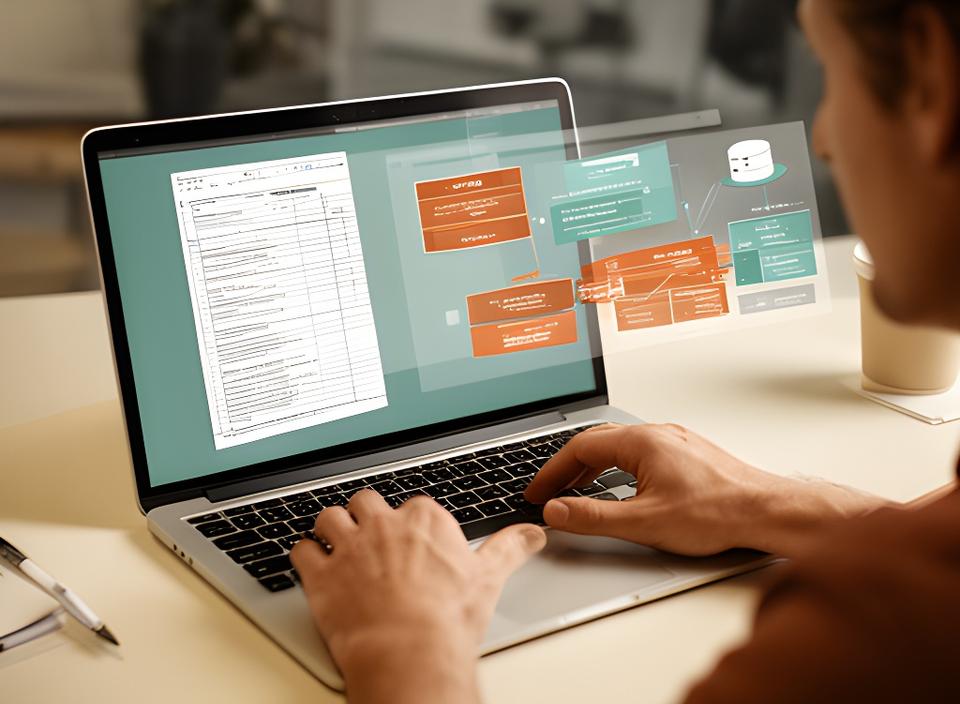
Database specialist reviewing an old spreadsheet and SQL schema on a desk with a laptop in a modern office
Legacy in
SQL out

Why businesses finally make the move

What breaks first in Access and Excel?

Corruption, version chaos, slow queries, and reporting bottlenecks usually arrive together. That’s the painful part. Once the file grows, every extra user becomes another question mark.

Files that won’t stay healthy

When an Access file starts throwing errors, every repair attempt adds risk. Why keep patching a system that can’t handle the load?

Solution

We map the structure, clean the source data, and move the workload into a database that’s built for concurrency and recovery.

Spreadsheet version drift

Which copy is right? Nobody enjoys hunting through five “final” files.

Too many users, too much lag

Once the team grows, the wait time grows with it.

BI tools can’t connect cleanly

Modern dashboards need a proper backend, not a fragile workbook. Ready for a legacy database upgrade that actually supports analysis?

What changes

A migration is more than a file move.

With the right database migration services, the new platform becomes faster, easier to secure, and much simpler to extend. That’s the reward businesses are chasing, isn't it?

Our migration blueprint

A clear SQL migration path, start to finish

We keep each step visible. No mystery hand-offs, no rushed cutovers, no vague promises. Just a migration plan your team can understand and trust.

1. Audit

We inspect your forms, tables, queries, and data quirks. What should move, and what should be retired?

2. Clean & map

We remove duplicates, align fields, and define the target schema.

3. Validate

Staging tests catch issues early. Why discover a mismatch on launch day?

4. Go live

We launch with a parallel run and rollback plan, then transfer knowledge so your people feel ready.

Before and after

Access to SQL: what changes?

A law firm came to us with a slow, brittle Access system. After the migration, their reporting ran roughly three times faster, and the team stopped waiting on the database to catch up. Curious what that means for your operation?

Access
SQL
Slower queries and lockups
Faster reads, better concurrency
File-level risk and corruption
Structured backups and recovery
Limited user capacity
Scales with your team
Harder BI integration
Cleaner reporting pipelines

Client result

3x performance, cleaner records, calmer mornings.

“We were trapped in spreadsheets and kept fixing the same errors. Alex's Advanced Query moved everything into SQL without drama, and our operations team finally trusts the numbers.”

Mashanta Ganuza

Operations Manager, regional services firm

Migration questions answered

What do teams usually ask first?

The same worries come up again and again. Can we keep our forms? How long will it take? Is the data safe? Those are fair questions, so we answer them plainly.

Will my Access forms and reports still work?

Usually, yes. We can rebuild the interface, keep selected pieces connected, or redesign the front end if that gives you a better long-term fit. Why carry outdated logic forward if a cleaner pattern is available?

How long does a typical migration take?

Most small and mid-sized projects land inside a 2–4 week window. Scope and data quality matter, of course, but we keep the process tightly staged so downtime stays minimal.

Is my data safe during the process?

We validate extraction, transformation, and load steps separately, then compare source and target totals before go-live. That discipline is how we keep data loss off the table.

Can we keep using Excel for data entry after?

Yes. In many cases, Excel can remain a familiar front end while the database becomes the secure backend. That hybrid setup gives teams a softer transition without sacrificing reliability.

Ready to leave the past behind?

Get a migration roadmap before the next error hits.

If your Access file is slowing the team down, let's talk through the move to SQL. We’ll outline the scope, the risks, and the cleanest path forward. Why wait for the next spreadsheet mistake?